
MP3 Player - Music Player & Equalizer
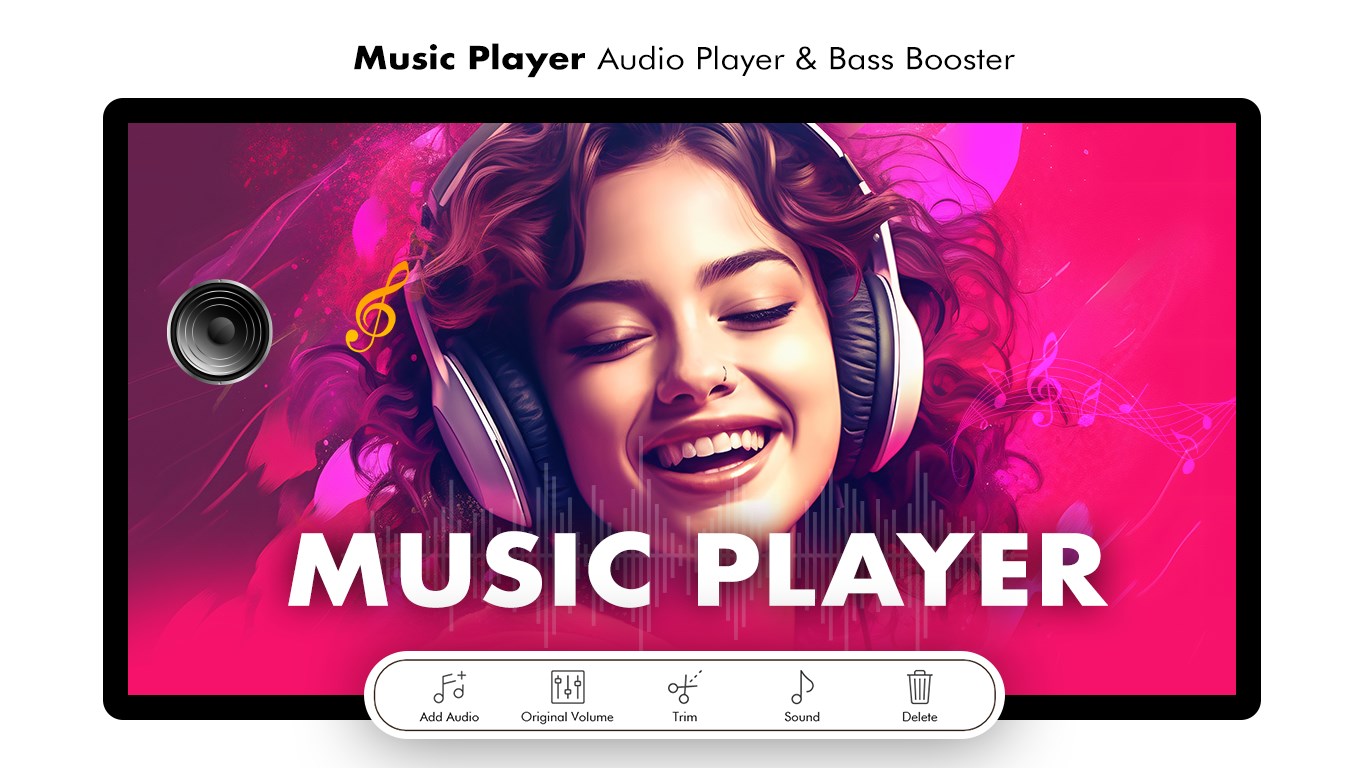
Read our comprehensive review of MP3 Player - Music Player & Equalizer for Windows. Discover its audio tools, equalizer settings, and format support.
An Editorial Review of MP3 Player - Music Player & Equalizer
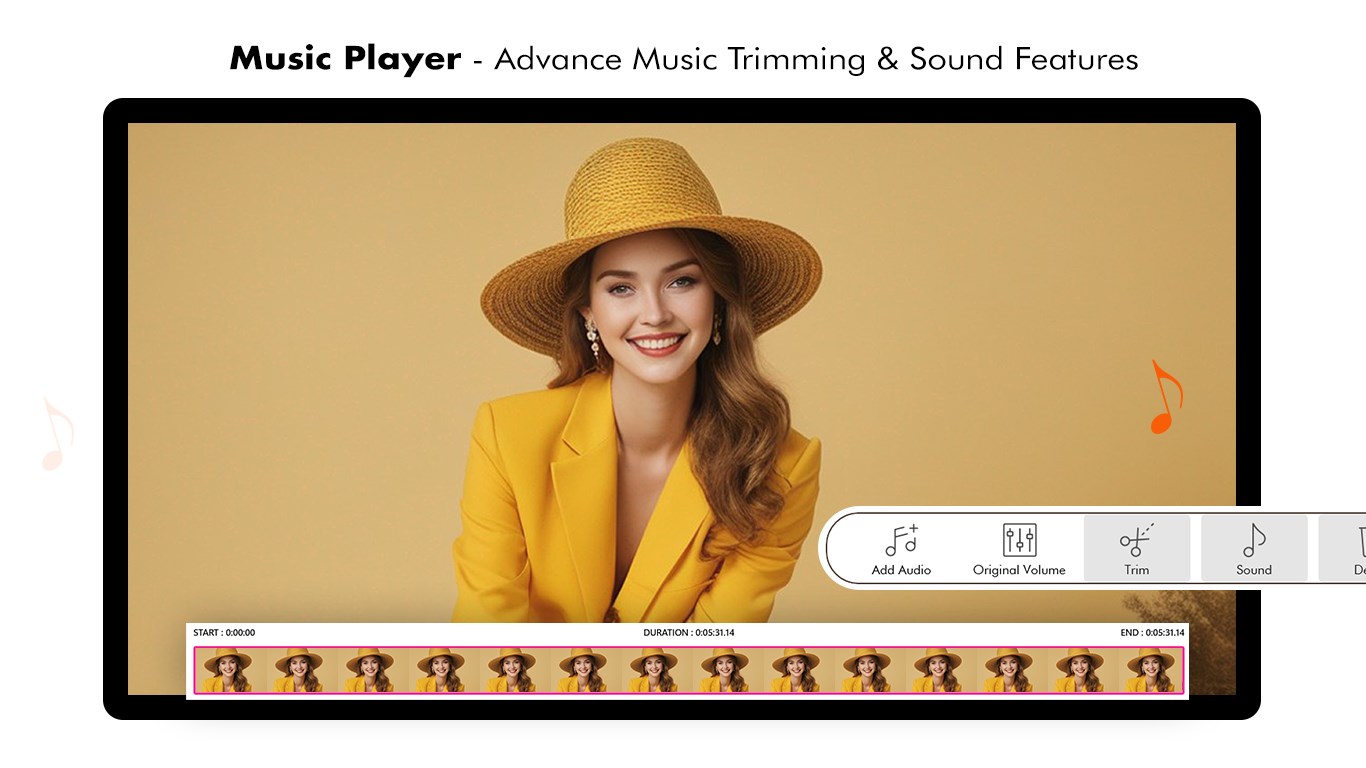
Finding a reliable desktop audio companion can transform how you experience your personal music library. The MP3 Player - Music Player & Equalizer by Best Game Studio is a dedicated Windows application designed to streamline local audio playback while giving users precise control over their sound profile. Built with a focus on simplicity and acoustic customization, this software aims to bridge the gap between basic media players and complex studio environments.
Who Is This Windows Audio Player For?
This application is tailored specifically for music enthusiasts who prefer hosting their audio files locally rather than relying solely on streaming services. It is an excellent fit for:
- Audiophiles on a Budget: Users who want to tweak frequencies without investing in expensive hardware.
- Offline Listeners: Anyone needing a dependable offline media player for laptops and desktop PCs.
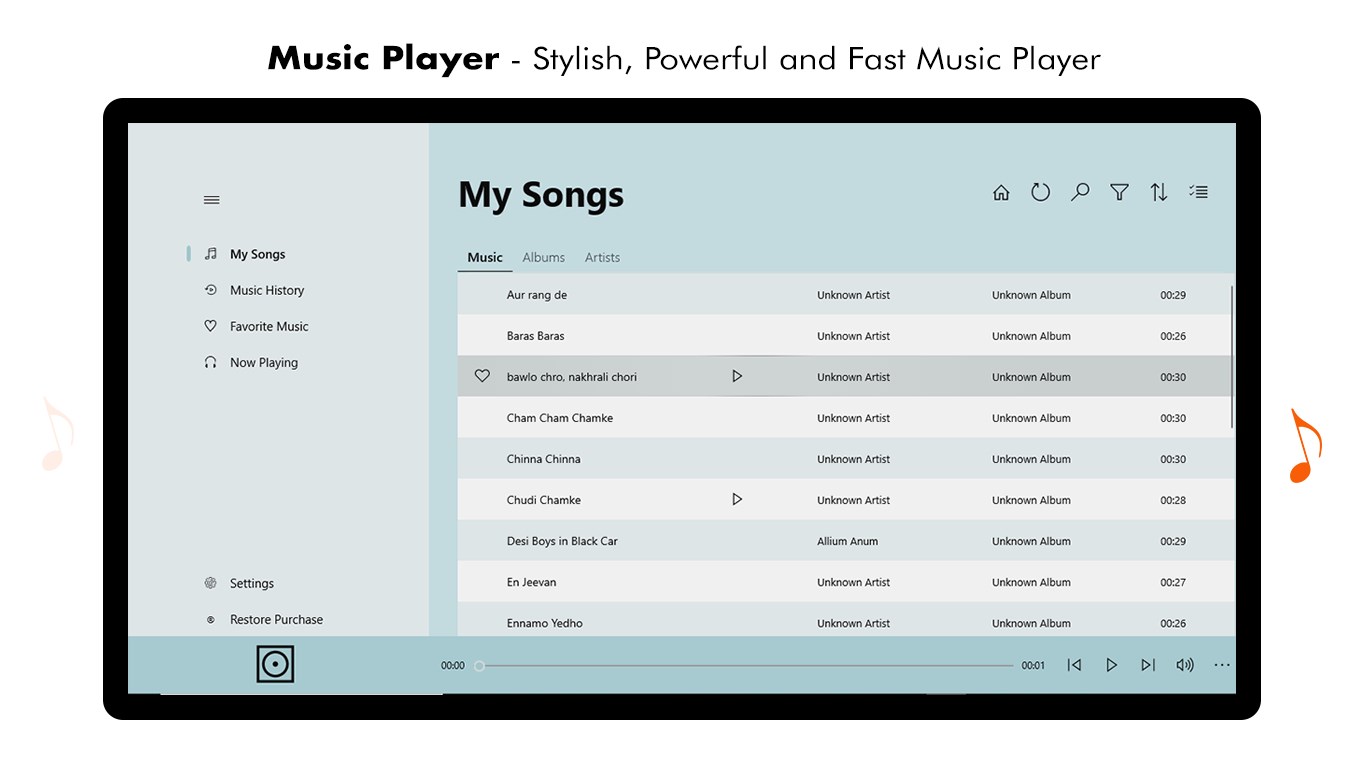
- Organized Collectors: Listeners who manage large libraries sorted by folders, genres, and custom playlists.
Key Features & Sound Customization
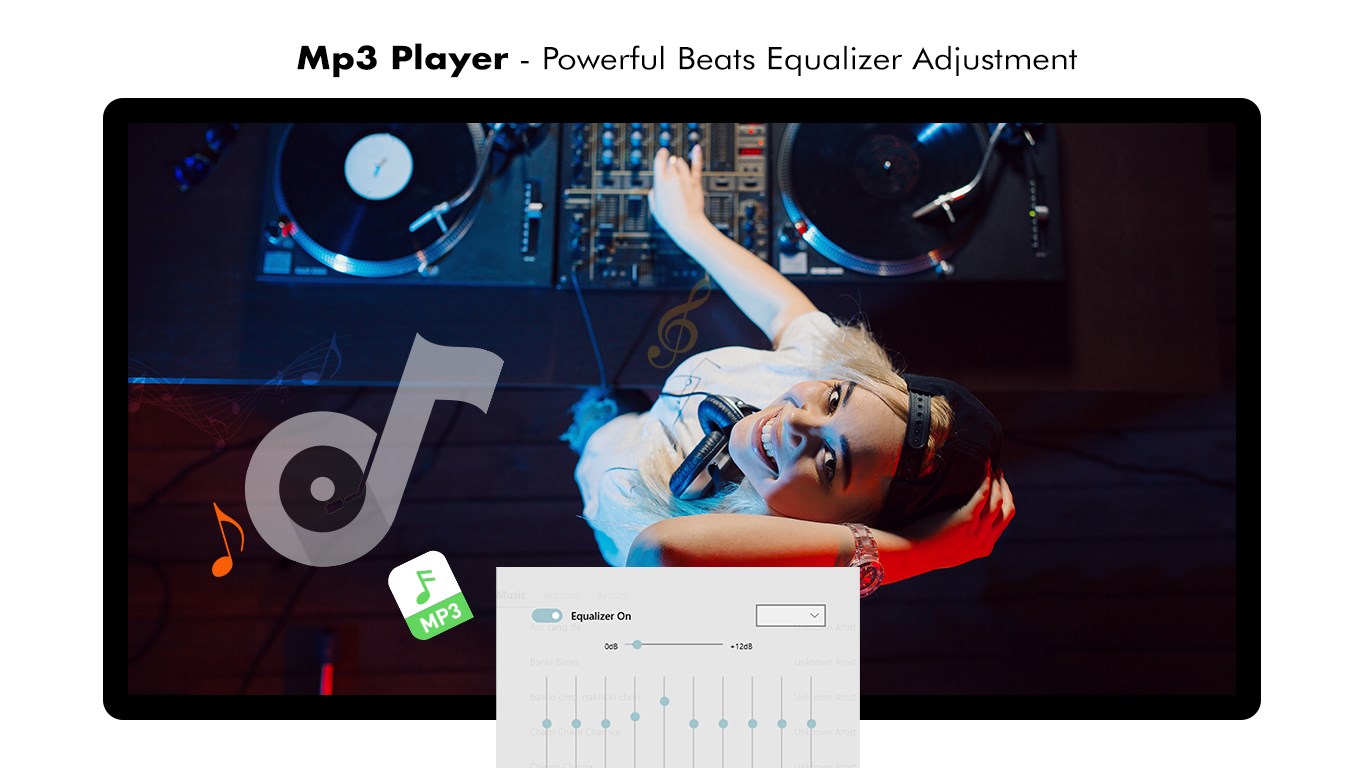
The standout feature of the MP3 Player - Music Player & Equalizer is its built-in multi-band music equalizer. This tool allows you to adjust frequency bands to emulate different acoustic environments, bringing a more true-to-life depth to standard digital files. Whether you want to boost the bass for electronic tracks or clean up the mid-range for vocal-heavy acoustic sets, the interface makes adjustments straightforward.
Beyond sound shaping, the software boasts wide-ranging format support. It effortlessly handles standard MP3s alongside high-fidelity formats like FLAC, WAV, MIDI, AAC, and APE. Navigation is highly intuitive, allowing you to browse your collection by artist, album, genre, or directly through your PC's folder structure.
Usability and Premium Upgrades
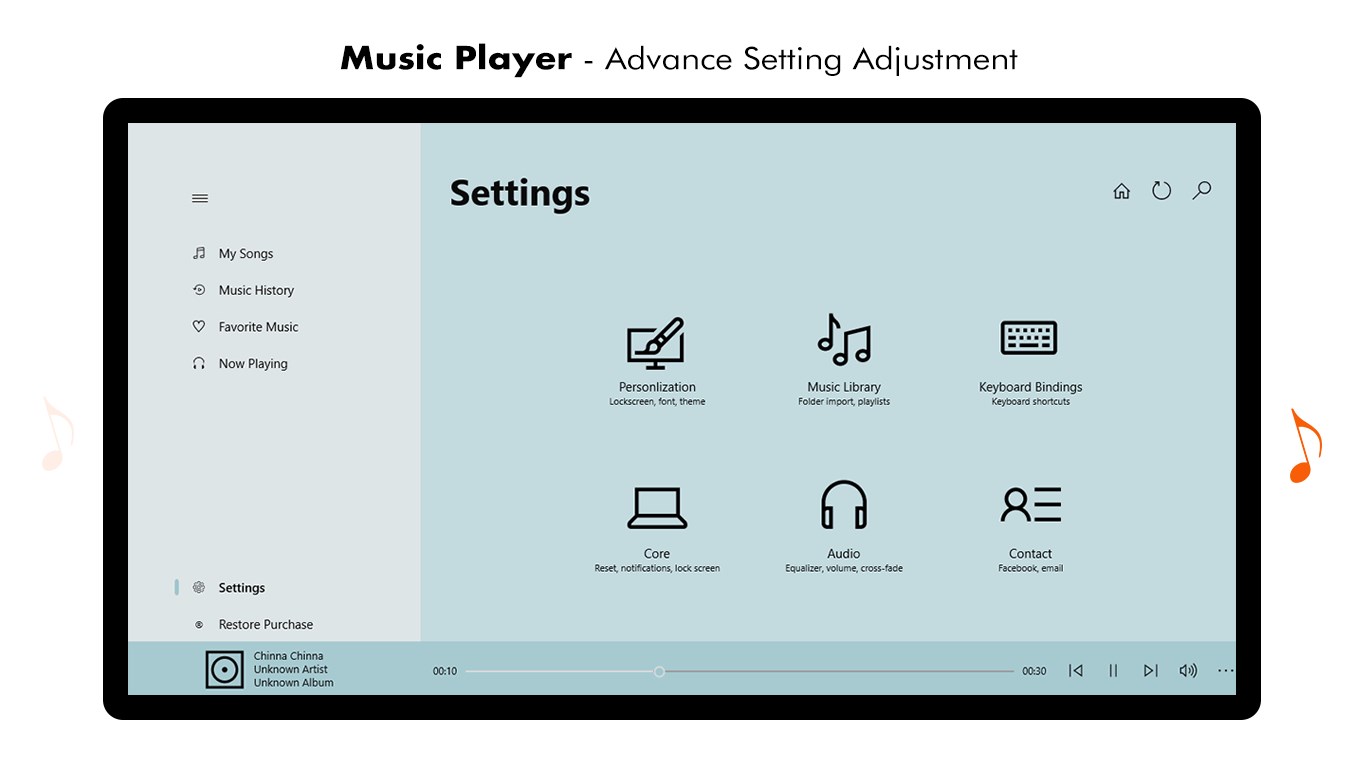
The user interface is clean, keeping your library at the forefront. Convenient integration with the Windows lock screen and notification bar ensures you can skip tracks or pause music without interrupting your workflow. It is important to note that while the base player is free to use, certain premium features within the application are tied to in-app purchases. Regular updates from Best Game Studio continue to refine these tools and add value for premium subscribers.
How to Get Started
If you are looking to elevate your local playback experience with a robust sound changer and intuitive playlist manager, this tool is worth exploring. To read more user feedback or to add this software to your Windows device, head over to the official Microsoft Store page to try the MP3 Player - Music Player & Equalizer today.