
One Messenger - All your messages in one place!
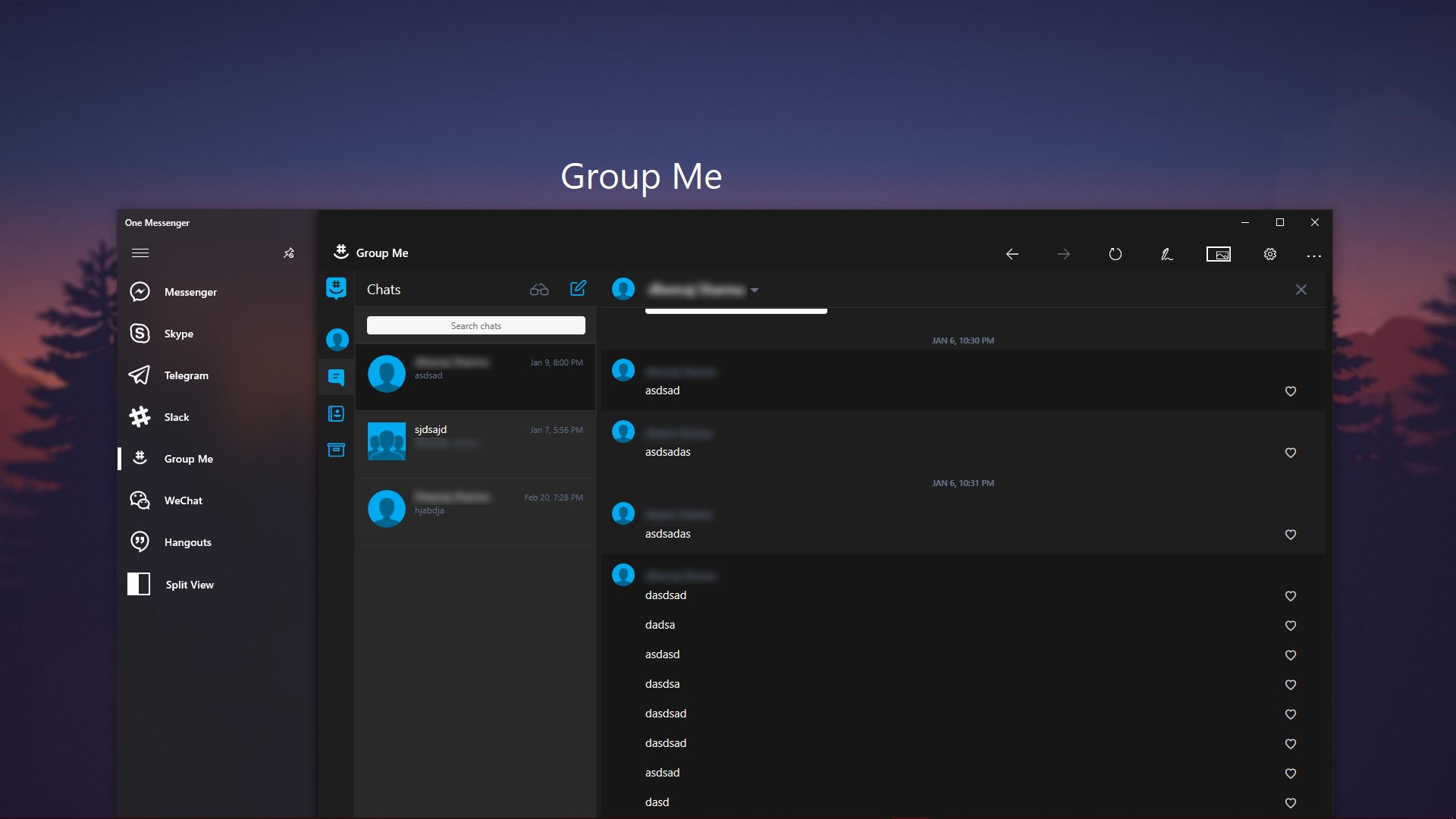
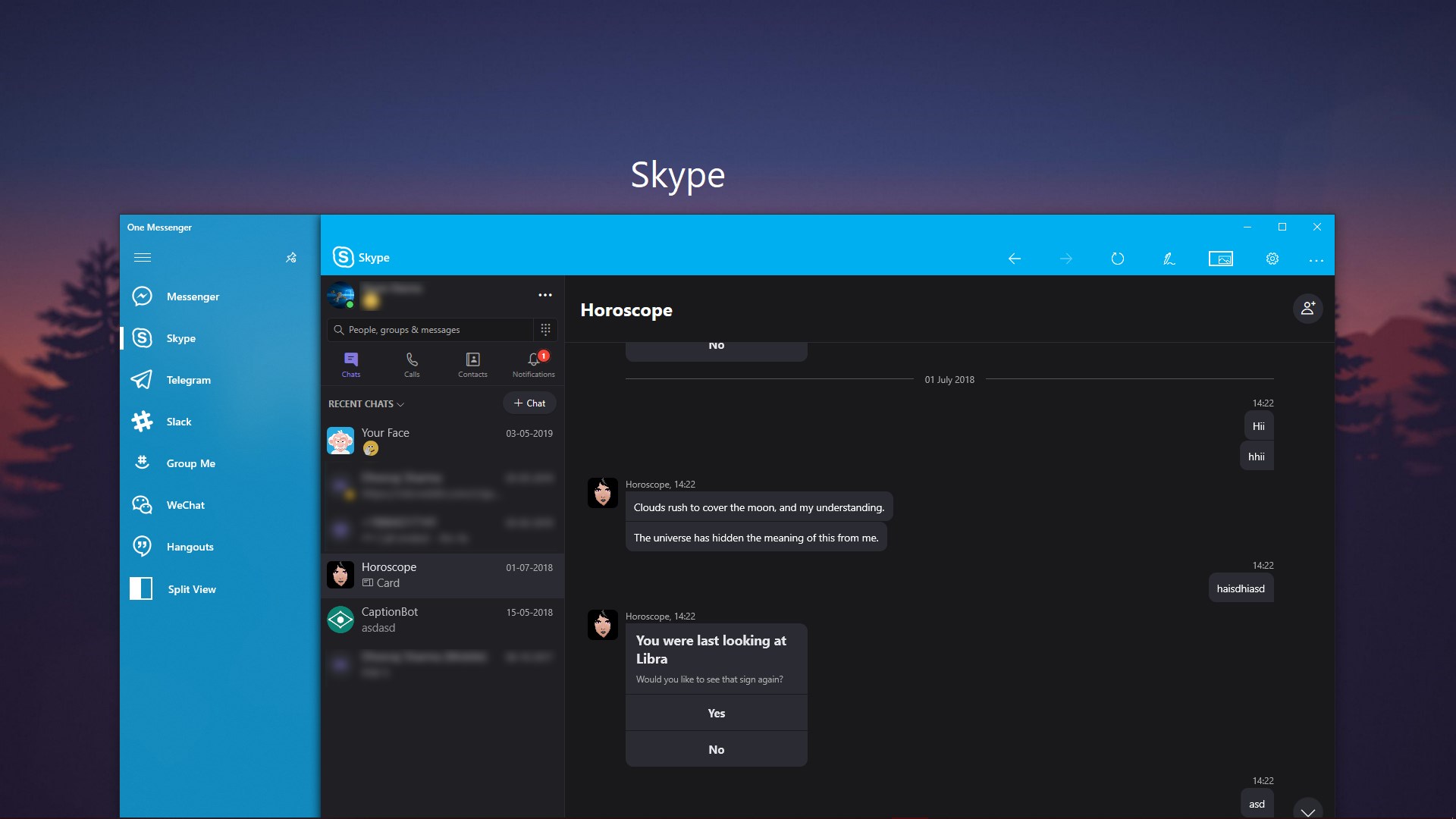
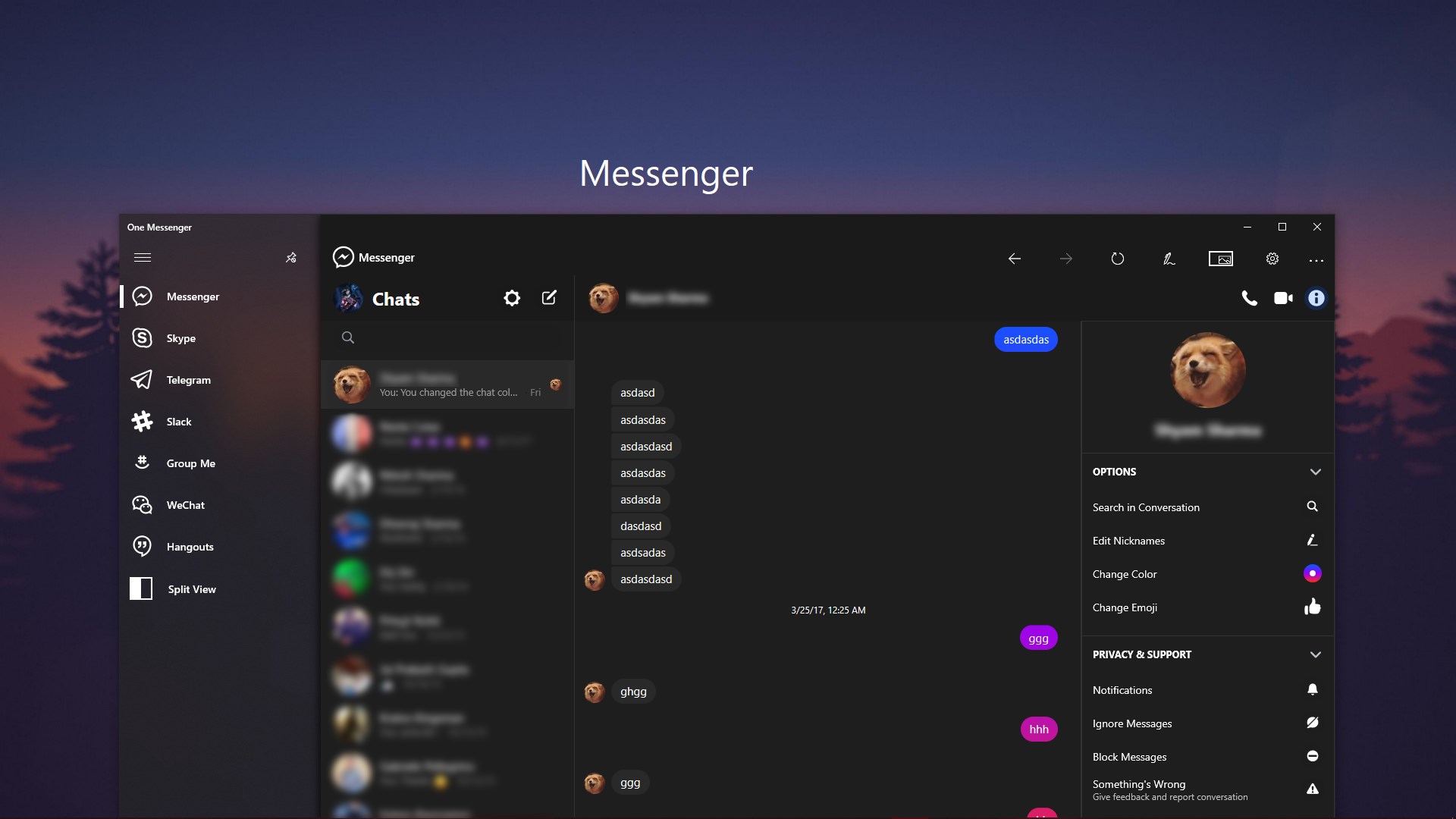
Read our comprehensive review of One Messenger, the Windows communication hub that unifies Slack, Skype, and Messenger into a secure sandboxed desktop app.
If you find yourself constantly losing track of conversations across multiple browser tabs and background processes, One Messenger desktop communication hub offers an elegant way to reclaim your desktop sanity. Developed by Define Studio, this Windows utility consolidates your fragmented digital conversations into a single, high-performance interface. Instead of running separate resource-heavy clients for your professional and personal networks, you can manage them all from a unified dashboard.
Consolidated Messaging in a Sandboxed Environment
The primary appeal of the One Messenger desktop communication hub lies in its secure architecture. Unlike standard web browsers that allow cross-site tracking, this application runs each of your chat services inside a secure sandbox. This ensures that your logins, direct messages, and contact details remain strictly isolated on your local Windows device rather than being processed or cached on external third-party servers.
Key Features for Power Users
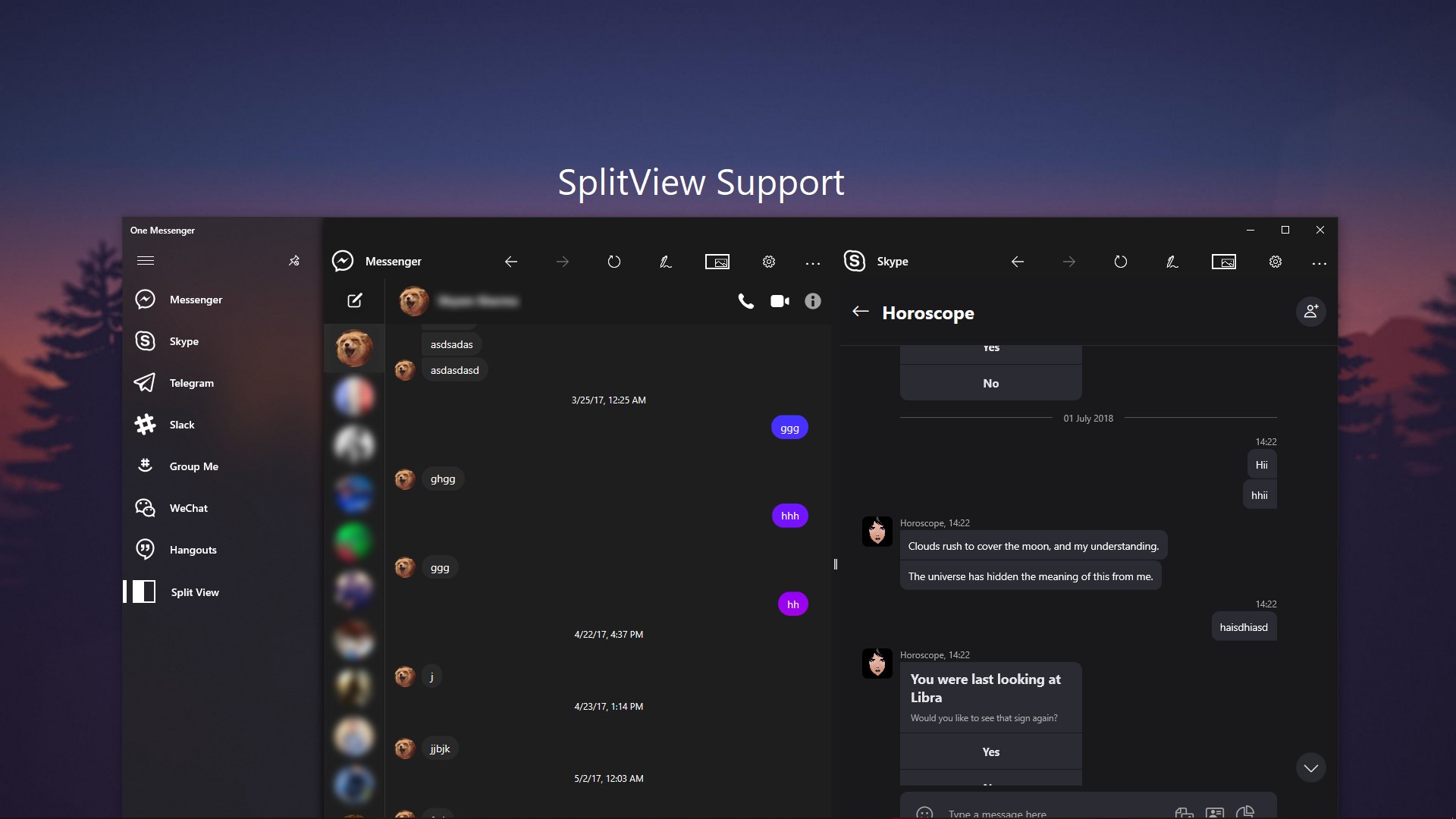
- Multi-Service Integration: Seamlessly run Skype, Slack, Messenger, and other popular platforms side by side.
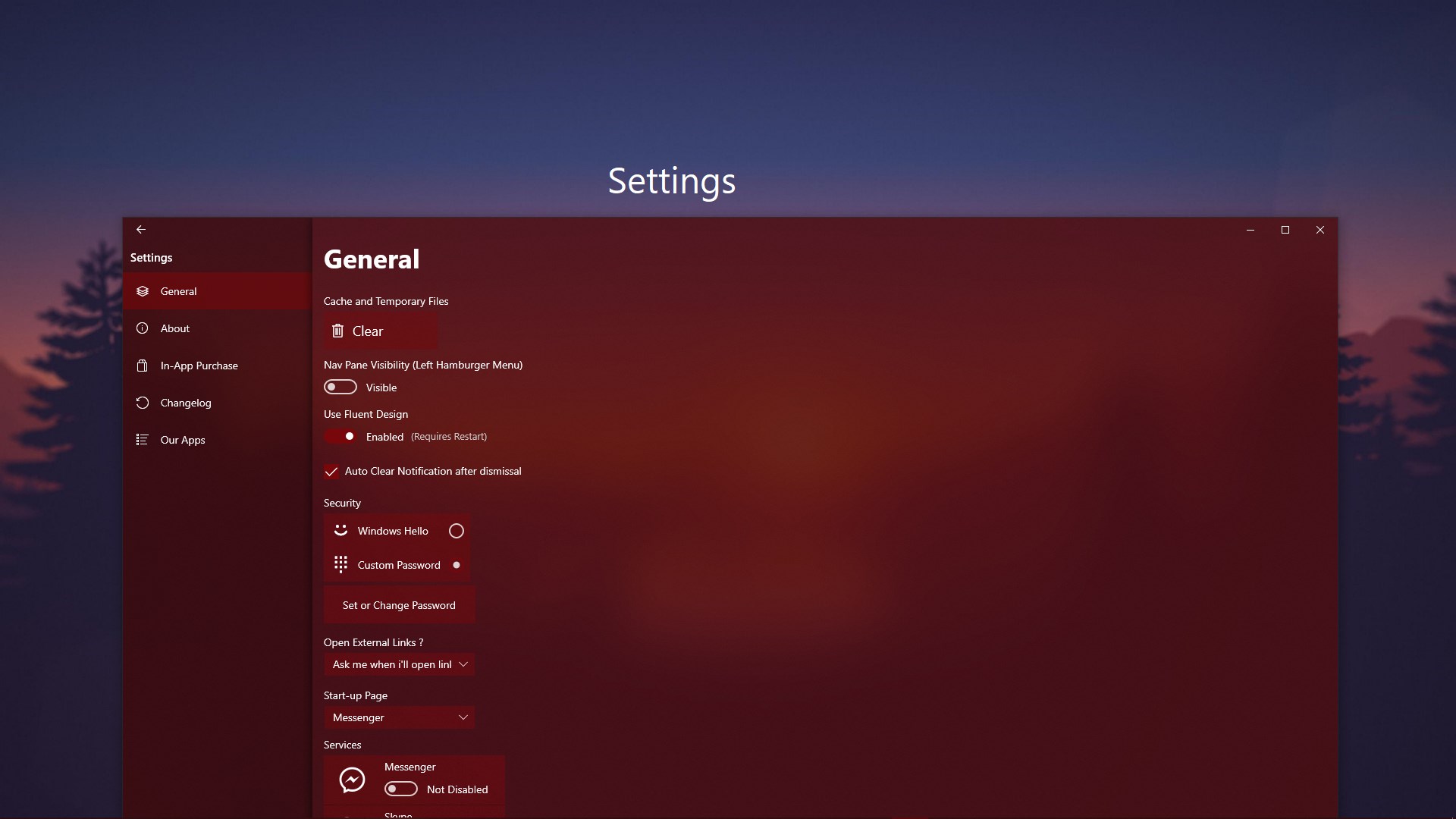
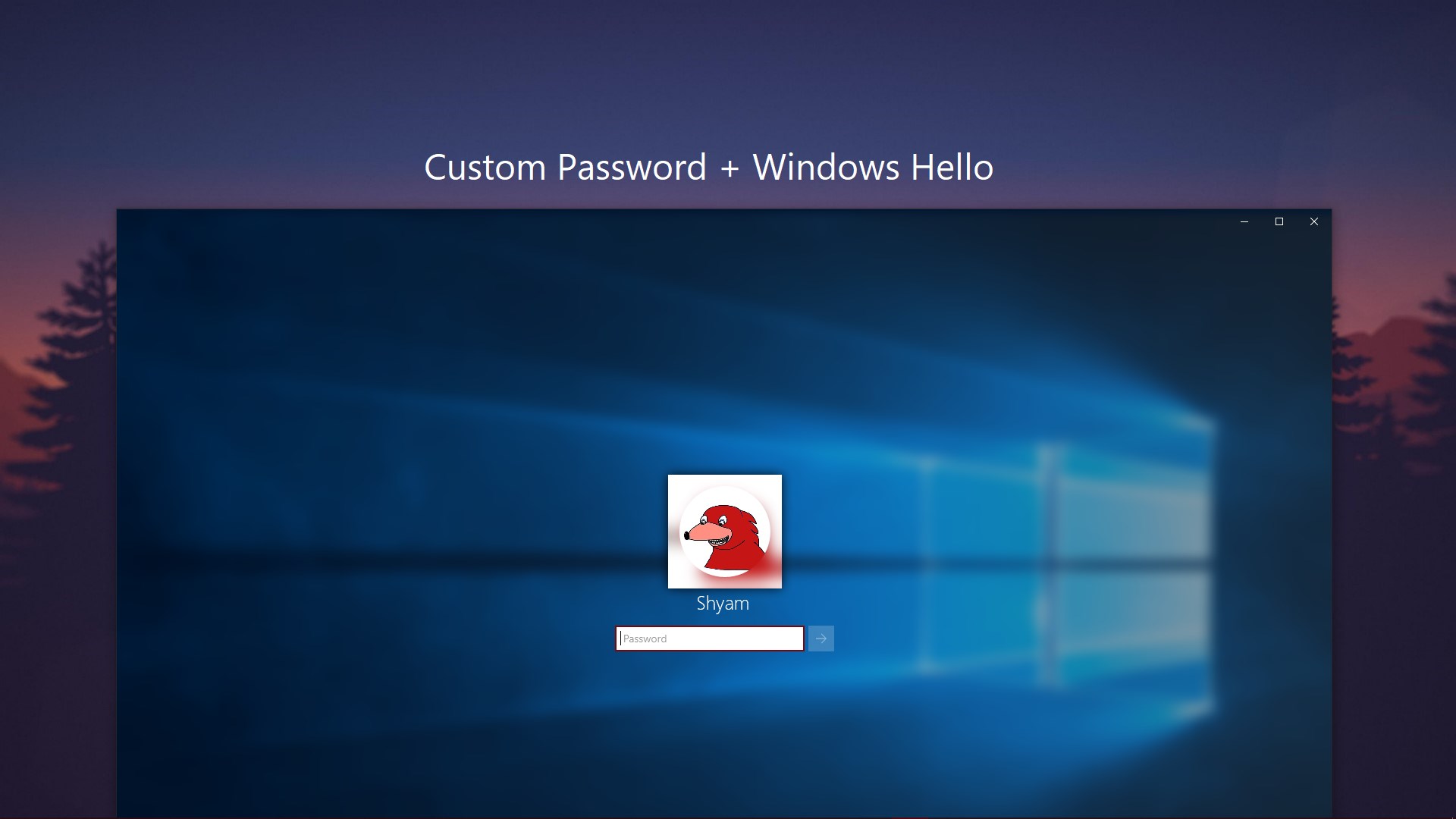
- Advanced Windows Security: Protect your private conversations from prying eyes with built-in Windows Hello biometric authentication and custom password locks.
- Multitasking Split View: Keep an eye on work channels while chatting with family using the customizable split-screen layout.
- Native Windows Design: Enjoy a modern visual experience featuring Fluent Design principles and a native Dark Mode that integrates beautifully with Windows.
- Integrated Media Downloader: Manage incoming files, images, and documents through a dedicated local download manager.
Who is This Communication Hub For?
This application is highly recommended for remote professionals, community managers, and power users who need to maintain active presences on multiple messaging networks without sacrificing system performance. By grouping these services under one roof, you eliminate notification fatigue and significantly reduce background RAM usage on your Windows PC. Please note that the application requires the .NET Desktop Runtime to operate correctly.
Our Editorial Verdict
The One Messenger desktop communication hub successfully solves the problem of messaging fragmentation. It provides a clean, secure, and visually appealing workspace that respects user privacy. While the ad-supported free version is highly functional, heavy users can opt for a one-time premium upgrade to unlock advanced multi-account support and remove advertisements. To try it out for yourself, head over to the official Microsoft Store page to download the app and streamline your daily workflow.