
Luminar Neo - AI Photo Editor
Discover how Luminar Neo - AI Photo Editor transforms raw images on Mac. Read our hands-on review of its generative AI features and pro tools.
Transforming Raw Photography with Luminar Neo - AI Photo Editor
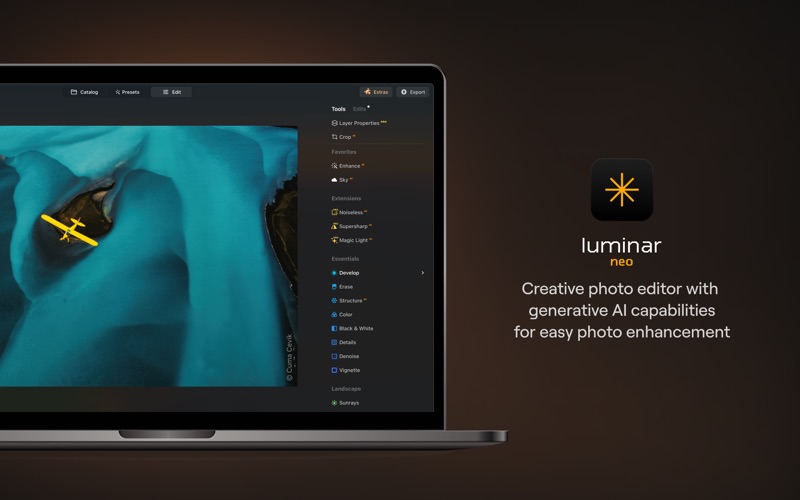
For Mac users seeking a streamlined yet incredibly powerful post-processing workflow, Luminar Neo - AI Photo Editor represents a significant leap forward. Developed by Skylum Software Usa, Inc., this application bridges the gap between complex manual adjustments and instant, intelligent corrections. By utilizing advanced artificial intelligence, it simplifies tedious editing tasks, allowing photographers to focus entirely on their creative vision.
Generative AI Tools for Creative Freedom
The standout feature of Luminar Neo - AI Photo Editor is its suite of generative technologies. These tools allow you to manipulate elements within your frame with unprecedented ease:
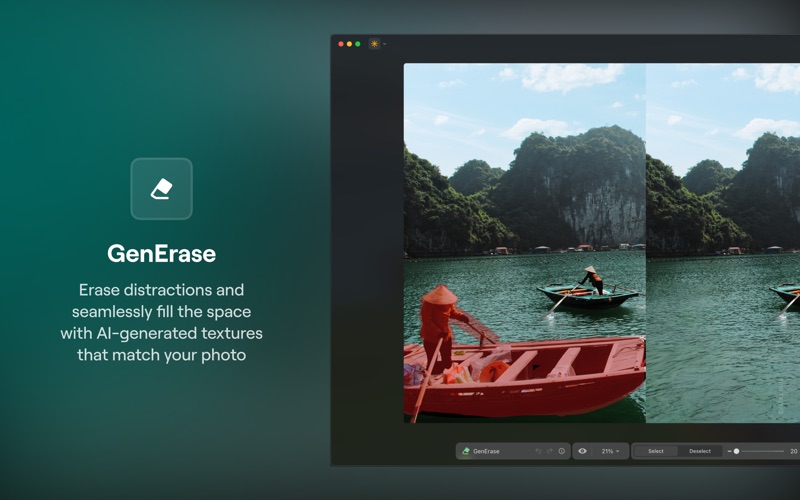
- GenErase: Seamlessly wipe away distracting objects, power lines, or photobombers while the AI intelligently reconstructs the background.
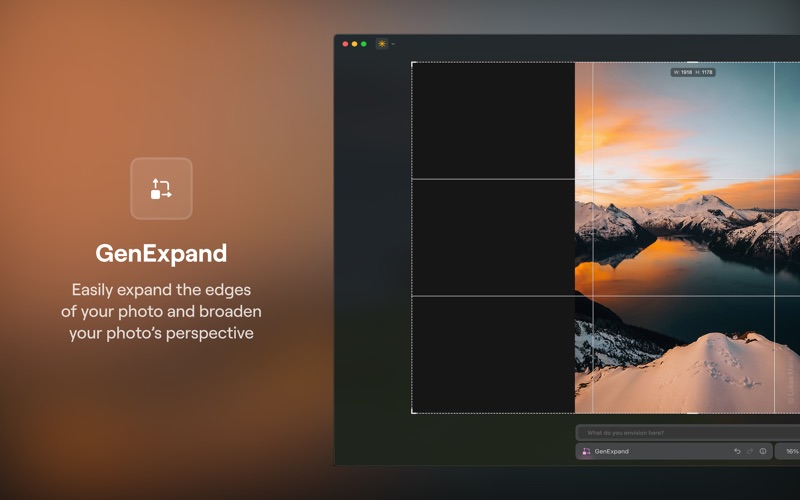
- GenExpand: Extend the canvas of your image in any direction, generating realistic details that blend perfectly with the original shot.
- GenSwap: Replace specific objects or areas in your photo with high-quality, AI-generated elements that match the lighting and perspective.
Intelligent Landscape and Portrait Enhancements
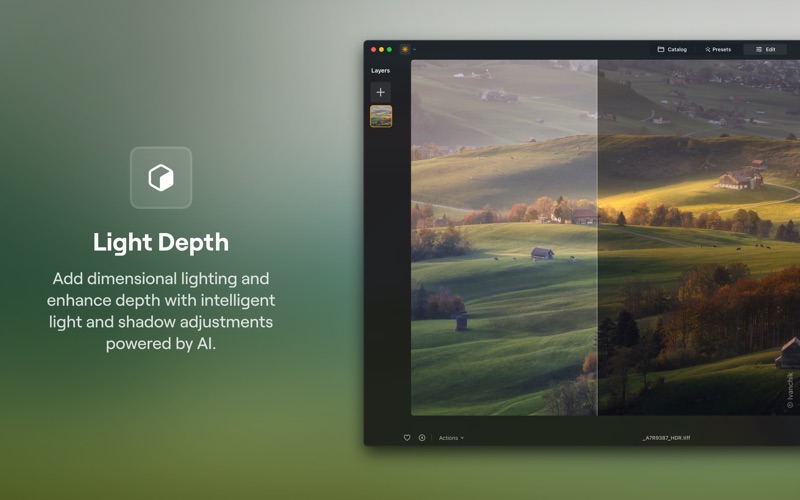
Whether you specialize in sweeping vistas or studio portraits, this software provides dedicated, context-aware tools to elevate your imagery. Landscape photographers can instantly swap out dull skies with Sky AI, add realistic weather effects with Atmosphere AI, or enhance water bodies using Water Enhancer AI. For portrait work, tools like Skin AI and Face AI provide precise retouching, while Studio Light replicates high-end studio lighting setups without requiring expensive physical gear.
A Flexible and Professional Workflow
Beyond its AI capabilities, Luminar Neo - AI Photo Editor is a robust RAW processor supporting over 1,000 camera types (including CR2, CR3, NEF, ORF, and RAF formats). It supports a non-destructive layer system, allowing you to stack multiple adjustments, apply custom presets, and combine exposures using HDR Merge or Focus Stacking for ultimate detail retention.
Is It Right For You?
If you want to spend less time masking and more time creating, Luminar Neo - AI Photo Editor is an exceptional choice for your macOS device. To explore its full potential and choose a licensing plan that fits your workflow, head over to the official Mac App Store to get started.