
Photocrea
Read our comprehensive review of Photocrea, a powerful Linux image editor supporting PSD, Sketch, and XD files. Find out if it fits your design workflow.
Picture this: you are working on a Linux workstation, and a client suddenly sends over an Adobe Photoshop .PSD file or a Sketch template. In the past, this meant booting up a virtual machine or hunting for a conversion tool. With Photocrea advanced image editor, you can handle these diverse design formats directly on your Linux desktop without breaking your creative flow.
What is the Photocrea Advanced Image Editor?
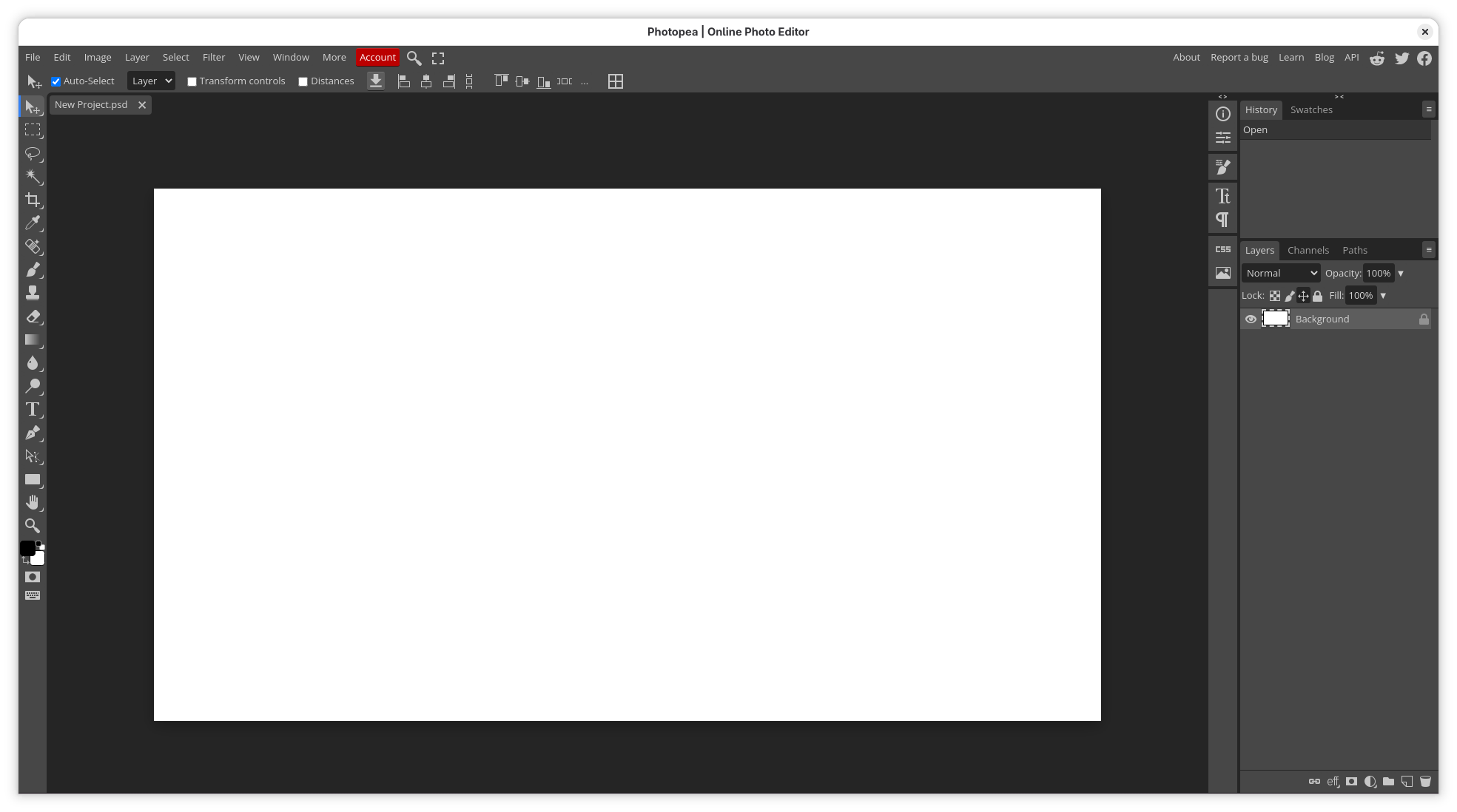
Photocrea is a sophisticated graphic design application tailored for Linux users who need robust, layer-based editing capabilities. Under the hood, this tool serves as an elegant desktop wrapper for the highly acclaimed Photopea web application. Developed by vikdevelop, it bridges the gap between web-based utility and desktop convenience, offering a familiar workspace that mirrors premium industry-standard software.
Unmatched File Format Compatibility
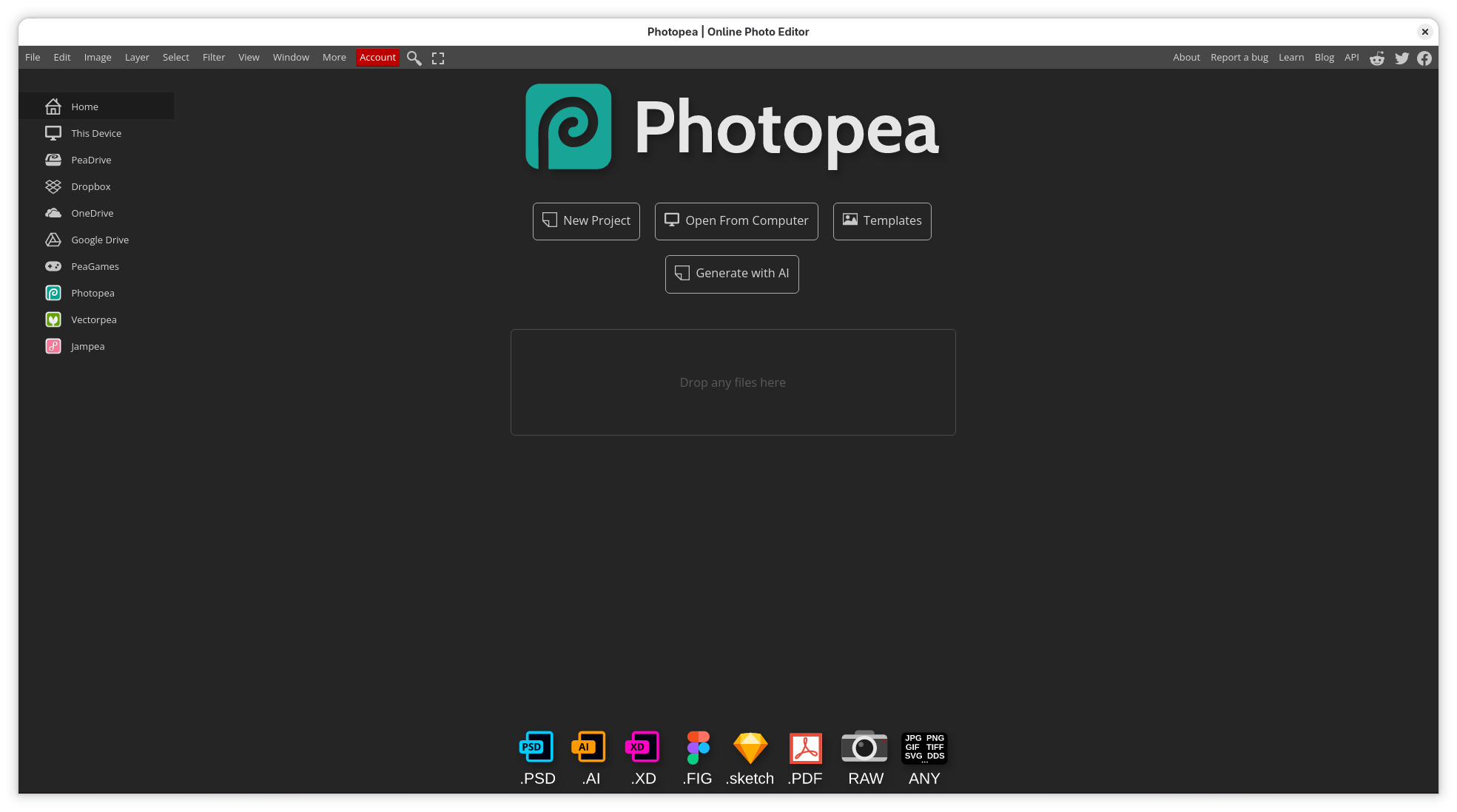
The standout strength of the Photocrea advanced image editor is its extensive format support. Unlike traditional editors that lock you into proprietary ecosystems, this application allows you to open, edit, and save a vast array of file types:
- Adobe Photoshop (.PSD): Work with complex layers, masks, and blending modes seamlessly.
- Vector Assets: Open and adjust .Sketch files and Adobe XD (.XD) mockups.
- Open Source Standards: Fully supports GIMP (.XCF) files and WinFIG (.FIG) vector graphics.
- Legacy and Raster Formats: Import CorelDRAW (.CDR) files, high-end .RAW camera images, and .TGA graphics.
Key Features and Creative Tools
Whether you are performing quick photo retouches or building complex digital art pieces from scratch, the interface provides all the essential tools you expect from a professional suite. You have access to non-destructive adjustment layers, precise magic wand selection tools, customizable filters, and advanced typography controls. Because it runs inside a dedicated desktop wrapper, it feels integrated into your Linux multitasking environment.
Who Is This Application For?
This editor is ideal for freelance designers, web developers, and digital artists working on Linux who require a lightweight yet powerful alternative to heavy design suites. It eliminates the need for expensive subscriptions while maintaining the professional standards required to collaborate with clients using different software packages.
Get Started with Photocrea
If you are ready to streamline your design pipeline and tackle any file format your clients throw at you, this utility is well worth your attention. To explore its features and integrate it into your workspace, visit the official Flathub store page to learn more about installing this application on your system.